

PolarGate TV
Just say what you want to watch
Connect your playlist with Xtream or M3U, and PolarGate AI searches it for what you’re in the mood for.
Try it free for 7 days as soon as it’s on the App Store and Google Play.
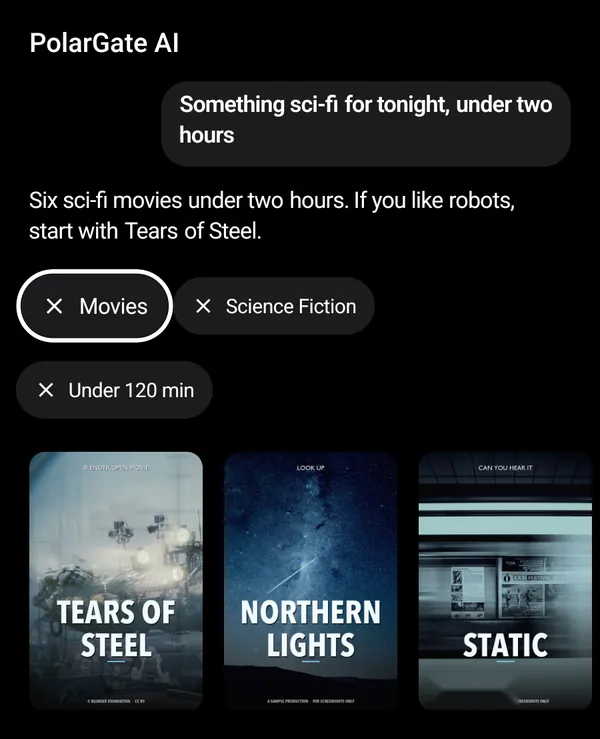
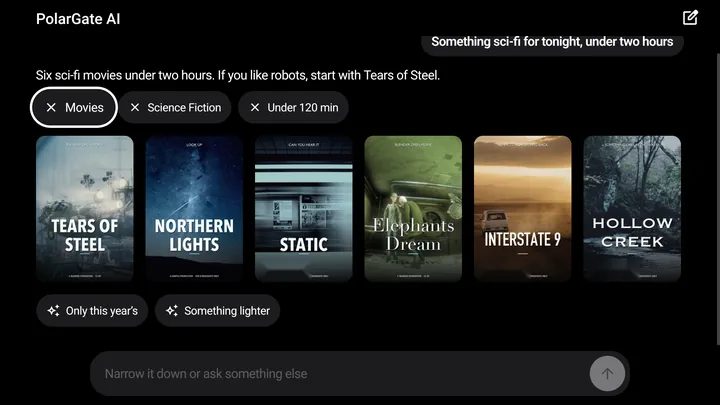
Sample conversation with PolarGate AI on the TV.
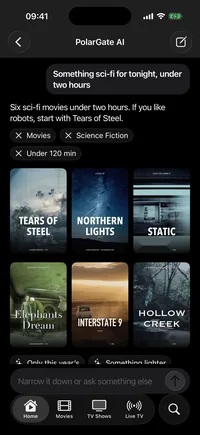
Question: «Something sci-fi for tonight, under two hours».
PolarGate AI: «Six sci-fi movies under two hours. If you like robots, start with Tears of Steel.»
From the playlist it suggests Tears of Steel, Northern Lights, Static, Elephants Dream, Interstate 9 and Hollow Creek.
PolarGate AI
Ask the way you talk
Say what you feel like watching in your own words and it searches your own playlist. Then narrow it down without starting over.
PolarGate AI
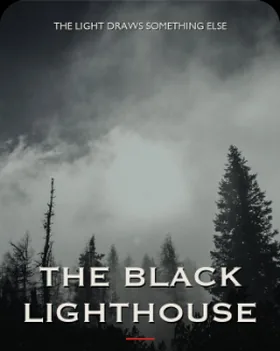
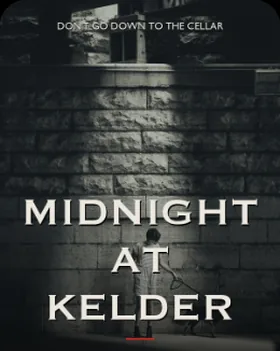
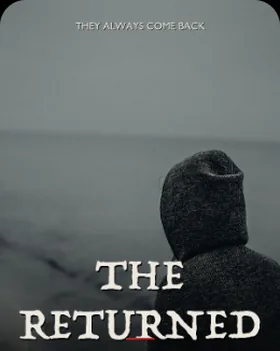
You: Horror movies from the 80s
PolarGate AI: I found 9 horror movies from the 80s in your playlist.
- Movies
- Horror
- 1980 to 1989



You: Now just the ones in English
PolarGate AI: Four of the nine have English audio.
- Movies
- Horror
- 1980 to 1989
- English audio
Live TV
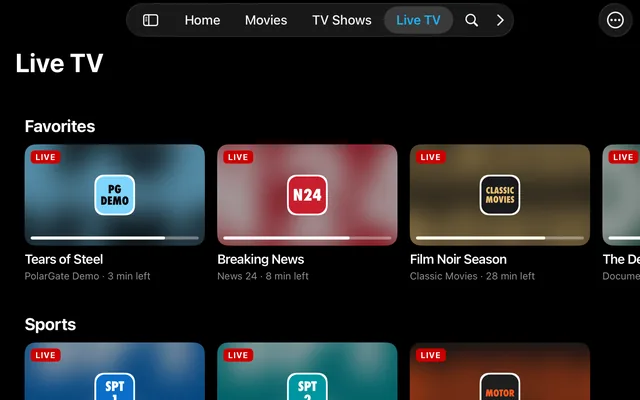
Your channels with their guide
Your playlist's channels by group, with what is on now and what comes next.
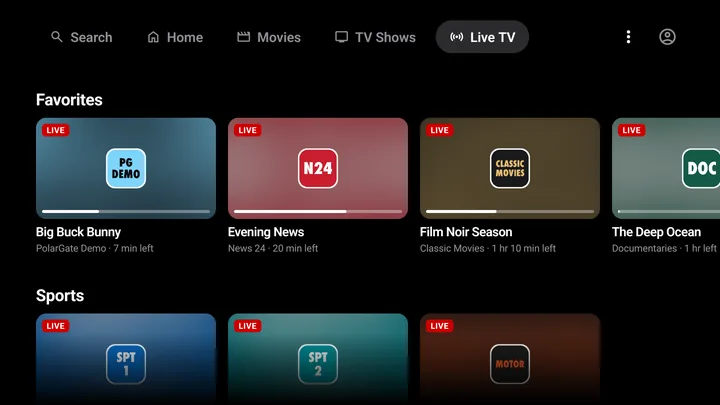
Guide
Illustrative examplePolarGate Demo
Now Big Buck Bunny
Next Elephants Dream
PG News
Now Evening News · 20:35 to 21:05
Next Weather
Classic Movies
Now Film Noir Season · 19:25 to 21:25
Demo channels and programmes. Big Buck Bunny and Elephants Dream © Blender Foundation · CC BY.
Movies and series
Every title gets its own page
Continue Watching and My List take you back to whatever you left halfway.
- Synopsis, cast, seasons and episodes
- Continue Watching and My List
- Search by actor and director
- Your choice of audio and subtitles
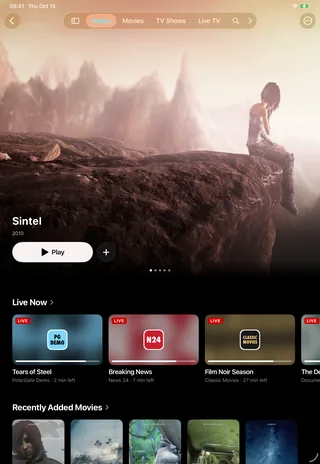
Sintel © Blender Foundation · CC BY.
Illustrative example
Downloads
Download movies and series to watch offline
They are saved on the device itself and use no data when you watch them.
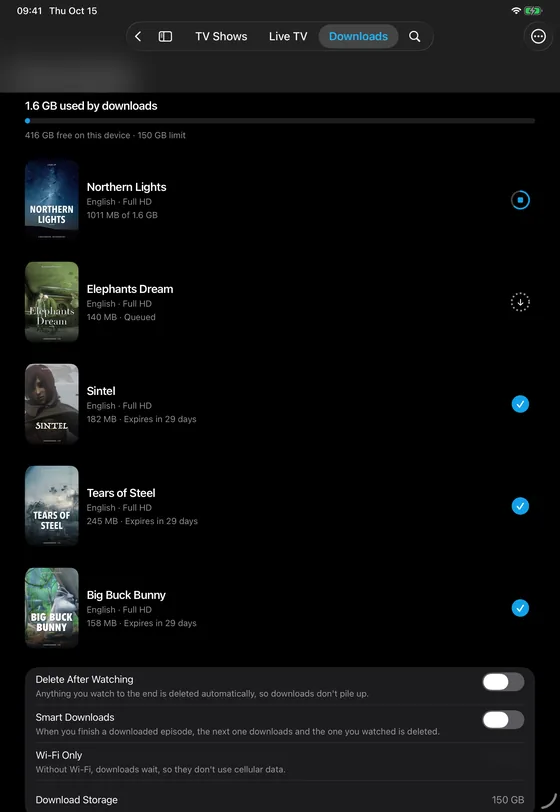
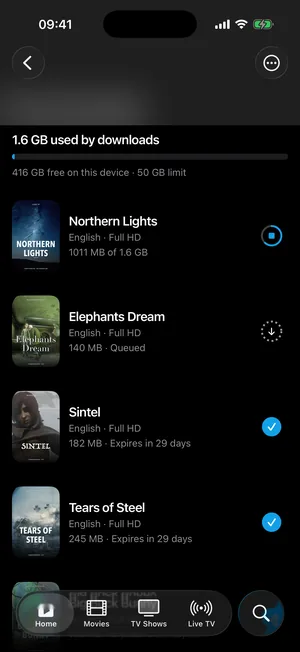
Wi-Fi Only
On by default to save data. Turn it off to download over cellular too.
- You choose the quality: Standard, in HD and faster, or High, in Full HD when available. Never 4K.
- They expire after 30 days, or 48 hours after you finish watching.
- While something downloads, it uses one of your line's connections.
Elephants Dream, Sintel and Tears of Steel © Blender Foundation · CC BY. Northern Lights is a sample title.
Illustrative example
Android TV and Google TV
Works with the remote
On Android TV and Google TV you zap with the remote, with focus you can see from across the room.
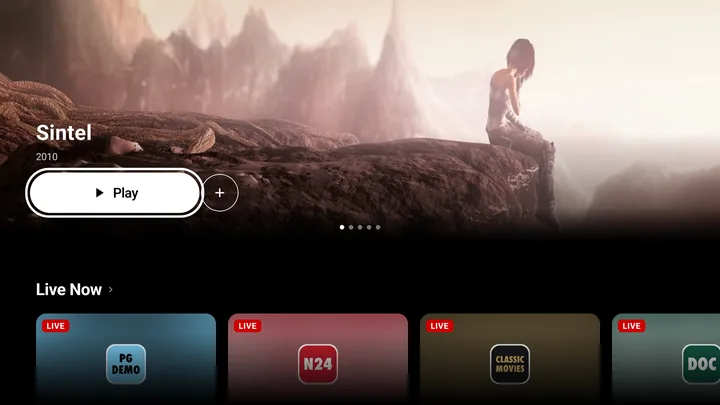
Keys on the remote
- UpDown
- Change channel in live TV
- 0–9
- Jump to a channel by its number
- OK
- Open whatever has focus
- Back
- Go back to where you were
Sintel © Blender Foundation · CC BY.
Illustrative example
On all your devices
Pick up where you left off
With your account, what you were watching waits for you on the next device.
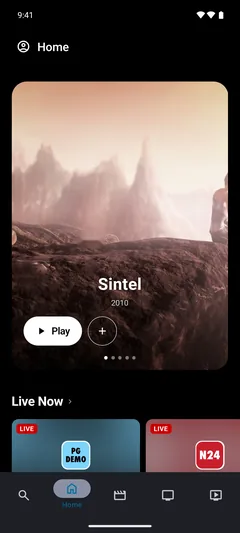
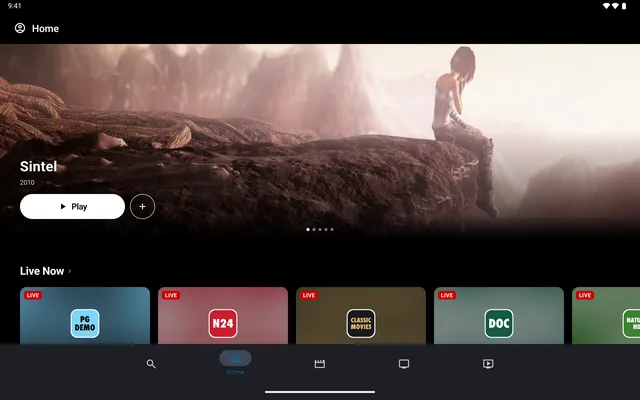
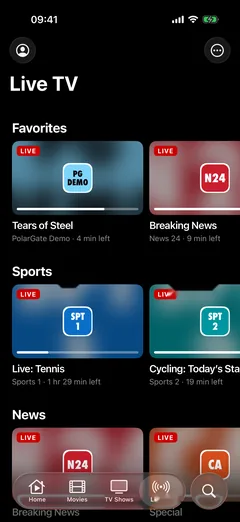
On iPhone, iPad, Mac, Android, Android TV and Google TV.
Big Buck Bunny, Sintel and Tears of Steel © Blender Foundation · CC BY. Demo channels.
Illustrative example
Your playlist
Bring your own playlist
Add it with your Xtream username and password or your M3U link.
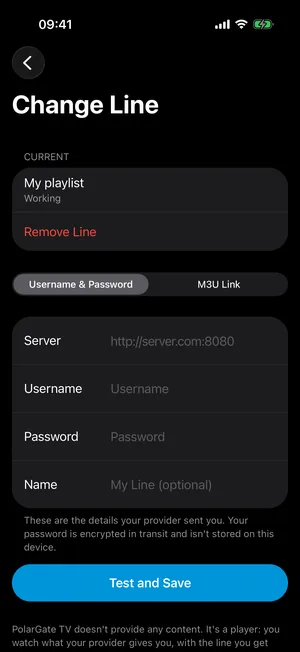
- Xtream
- The server, your username and your password.
- M3U
- Your playlist's link.
PolarGate TV does not include any channels, playlists or content. Only use it with playlists you have the right to watch.
How to add your playlistIllustrative example
Price
Try it free for 7 days
Then €2.99 a month, or €4.99 a month with PolarGate AI.
PolarGate TV
€2.99 a month
or €24.99 a year
7 days free
The whole player: your playlist with its guide, your movies and series, and downloads.
Prices may vary by country.
DownloadPolarGate TV + AI
€4.99 a month
or €39.99 a year
7 days free
All of that plus PolarGate AI: ask what to watch and it searches your playlist.
Prices may vary by country.
See pricing
Start with your playlist
Download PolarGate TV and add your playlist. The 7 days free trial arrives with the App Store and Google Play.
- App Store:
- Google Play:
- Mac: